- 対応
- iOS
どんなアプリ?
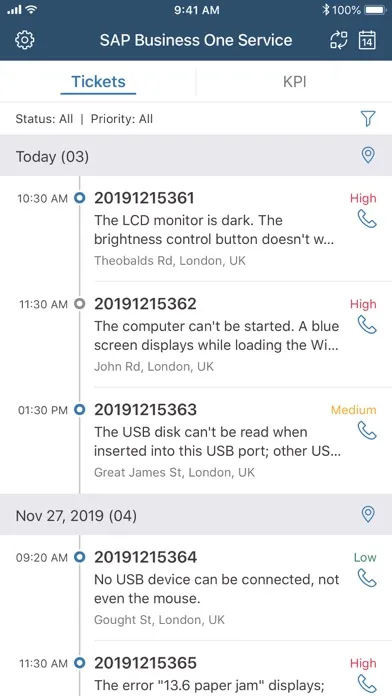
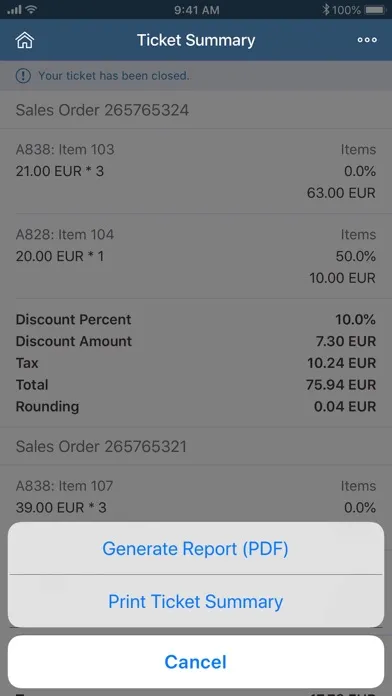
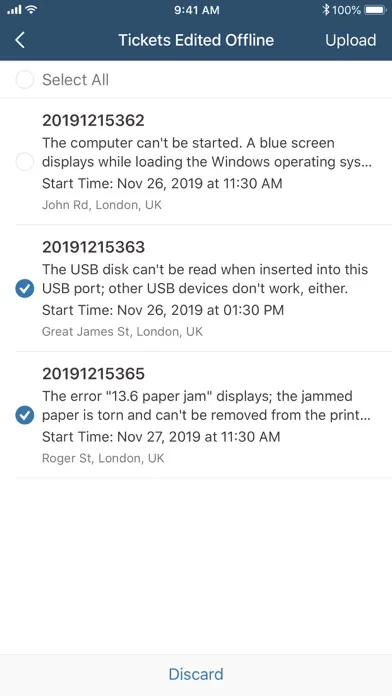
With the SAP Business One Service mobile app for iPhone, maintenance technicians can provide on-site services for their customers easily and efficiently. Connected to the SAP Business One application, this mobile app can help you increase productivity and boost customer satisfaction through the SAP Business One field service solution.
App Store の説明を全文読む
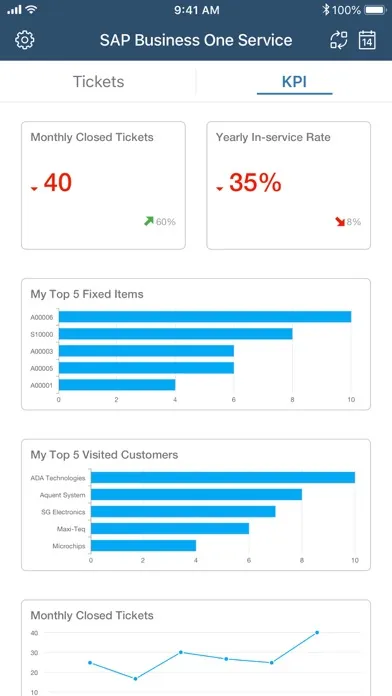
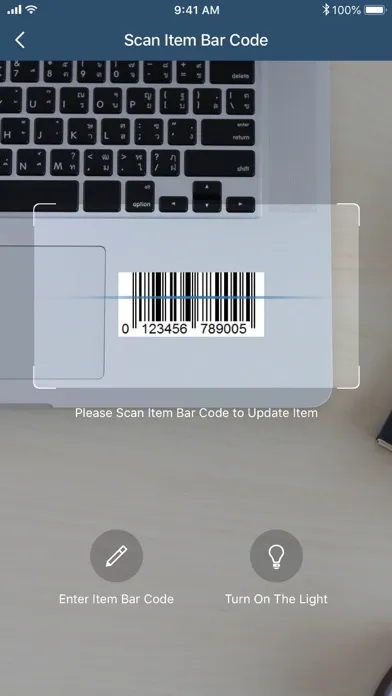
With the SAP Business One Service mobile app for iPhone, maintenance technicians can provide on-site services for their customers easily and efficiently. Connected to the SAP Business One application, this mobile app can help you increase productivity and boost customer satisfaction through the SAP Business One field service solution. Key features of SAP Business One Service for iPhone • Check assigned service tickets for specific dates • View customer addresses on maps and call customers • Scan bar codes or QR codes to identify items and update information • Create and view sales orders for service tickets • Collect customer signatures and close service tickets • Print service ticket summaries with a portable Bluetooth thermal printer • Generate and share reports for service tickets • View your KPIs on a dashboard Note: To use SAP Business One Service with your own company data, you need SAP Business One 9.3 PL04 or higher, version for SAP HANA as the back-end system. For immediate testing of the app, you can simply use the demo login.

編集部 PICK UP
Nib
聞き取れるメモ帳。録音すると AI が議事録・要約・次の一手に整えてくれる。
情報
- バージョン
- 1.0.20
- 最終更新
- 2026/08/04
- リリース
- 2018/06/08
- サイズ
- 10.7 MB
- 必要環境
- iOS 13.0 以降
- 対応端末
- iPhone、iPad
- 対象年齢
- 17+
- 対応言語
- 日本語、AR、CS、DA ほか21言語
対象年齢 17+ の理由
- 無制限のWebアクセス
最新バージョンの更新内容
BUG FIXES • Issue where Business Partner records with "&" in the BP Code fail to be selected into Sales Order has been fixed. (SAP Note 3728545) • Issue where special prices and period volume discounts failed to be applied has been fixed. (SAP Note 3767702) • Issue where branch field missing in India localization has been fixed. (SAP Note 3770072)