Zip 解凍, rar 解凍 - アプリ
JOKSEL D.O.O.
App Store 評価: ★ 3.0 (6件)
- 対応
- iOS
どんなアプリ?
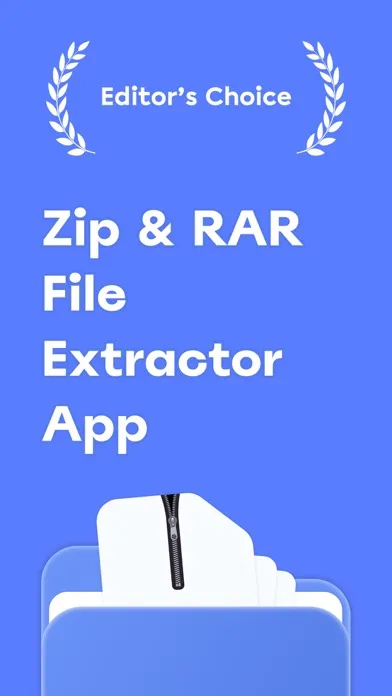
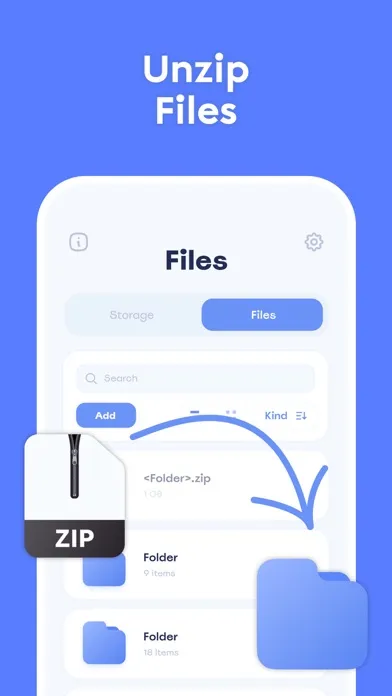
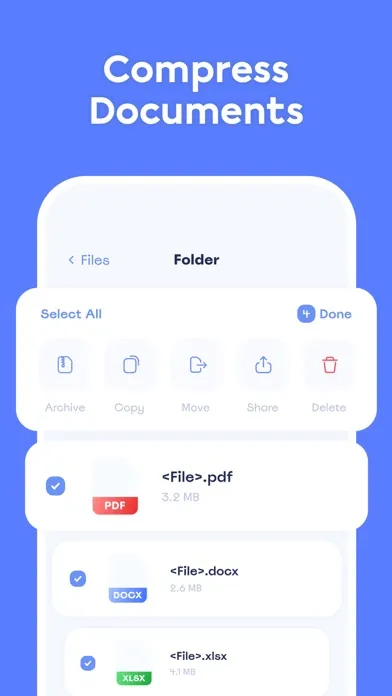
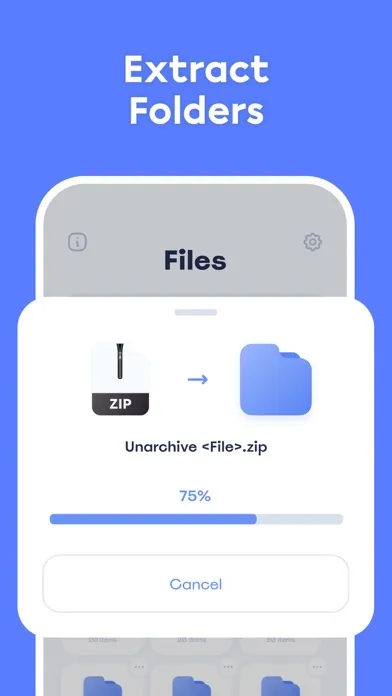
Zip & RAR: compress photo app is a management utility tool for iPhone that suits anyone who needs to unarchive files or compress them. Browse, open and view many document types: DOC, PPT, PDF, TXT, RTF, JPG, GIF, PNG, MP3, MOV and other file extensions. You can easily adapt you work routine by the following features:
App Store の説明を全文読む
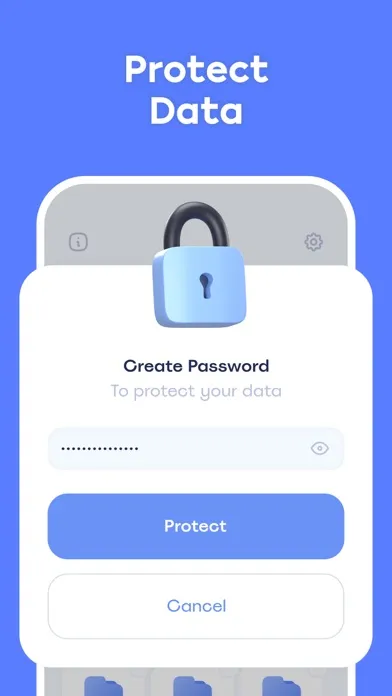
Zip & RAR: compress photo app is a management utility tool for iPhone that suits anyone who needs to unarchive files or compress them. Browse, open and view many document types: DOC, PPT, PDF, TXT, RTF, JPG, GIF, PNG, MP3, MOV and other file extensions. You can easily adapt you work routine by the following features: - Unzip / Unarchive files (Premium) - Compress / Archive folders (Premium) - Read & View Zip and RAR (Premium) - File viewer - Create new folder - Files Storage Managment - Clean Files Storage - Rename files - Delete files - Sort files by name/date/size/kind - Add Photo/Video from Gallery - Import File from Documents - Import Files from other Apps - Password protection (Premium) - Copy to (Premium) - Move to (Premium) Are you ready to give it a go? Subscription information about pricing and terms: The app is based on freemium model: it's absolutely free to use. However, you can subscribe for unlimited access to all features with unlimited usage. We provide different options. The longer period – the profitable subscription. *Pricing in countries may vary and actual charges may be converted to your local currency depending on the country of residence. *Payment will be charged to iTunes Account at confirmation of purchase. *Subscription will be automatically renewed. Auto-renew can be turned off at least 24 hours before the end of the current period. *Your account will be charged for renewal within 24 hours prior to the end of the current period, and identify the cost of the renewal. *Subscriptions may be managed by you and auto-renewal may be turned off by going to the user's iTunes Account Settings. For more information please visit the link https://support.apple.com/en-us/HT202039 We value your feedback more than anything. If you find that there is something about our app that doesn’t work for you and you have an exciting idea that could make it better, shoot us an email at [email protected]. We appreciate your feedback and strive to make the app better for you every day! Terms of Use: https://docs.google.com/document/d/1hflGGrD1FSEc5hq2e1lo3EICavZElpbhFQXVROqYhOc/edit?usp=sharing Privacy Policy: https://docs.google.com/document/d/1S4Lgp_7ejJRMGRbM2gj5BP2hby8ER_nhvLN3AuIEHew/edit?usp=sharing

編集部 PICK UP
Nib
聞き取れるメモ帳。録音すると AI が議事録・要約・次の一手に整えてくれる。
情報
- バージョン
- 1.4
- 最終更新
- 2023/04/10
- リリース
- 2023/03/13
- サイズ
- 17.2 MB
- 必要環境
- iOS 14.0 以降
- 対応端末
- iPhone
- 対象年齢
- 4+
- 対応言語
- 英語
最新バージョンの更新内容
What's new? • Scan Feature: You can scan already printed documents or photos with the integrated scanner. Just tap on "Add" button, select "Scan", and capture the document or photo with your camera. Then you can print the scanned document. • Print Feature: Just select the document or photo from your files that you want to print, select your printer, and send the print job. You can print all sorts of different documents: PDF, Word DOC, Excel XLS, PowerPoint PPT, Photoshop PSD, JPEG, PNG, BMP, TIFF, GIF, and more.