- 対応
- iOS
どんなアプリ?
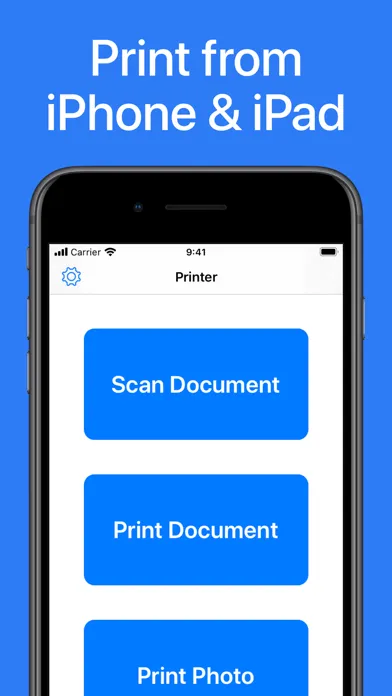
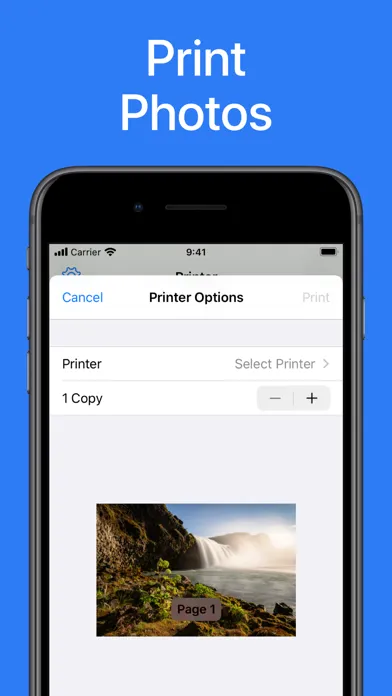
Printer App: Print & Scan PDF helps you to print your documents and photos easily. Scan a new document, select your printer and print your document within seconds. This app supports more than 5000 different AirPrint printers!
App Store の説明を全文読む
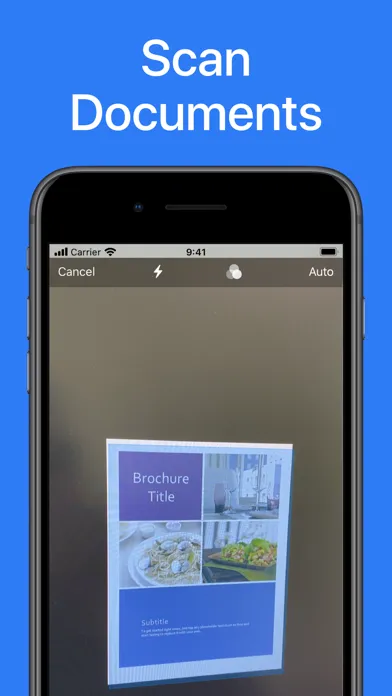
Printer App: Print & Scan PDF helps you to print your documents and photos easily. Scan a new document, select your printer and print your document within seconds. This app supports more than 5000 different AirPrint printers! ► PRINT FROM IPHONE & IPAD This app makes it really easy for you to print from your iPhone or iPad. Just select the document or photo from your camera that you want to print, select your printer and send the print job. You can print all sorts of different documents: PDF, Word DOC, Excel XLS, PowerPoint PPT, Photoshop PSD, JPEG, PNG, BMP, TIFF, GIF and more. ► SCAN DOCUMENTS & PHOTOS You can also scan already printed documents or photos with the integrated scanner. Just tap on scan and capture the document or photo with your camera. Then you can print the scanned document. ► PRINTER SUPPORT Printer App: Print & Scan PDF supports more than 5000 printer models like Brother, Canon, Dell, Epson, HP, Kyocera, Lenovo, Lexmark, NRG, Oki, Olivetti, Panasonic, RICOH, Samsung, Sharp, Toshiba, Xerox and more. DISCLAIMER: We are not affiliated with the mentioned companies in any way. We only developed and tested our App with these devices. ► SUPPORT Do you need support? Please write us to: [email protected]

編集部 PICK UP
Nib
聞き取れるメモ帳。録音すると AI が議事録・要約・次の一手に整えてくれる。
情報
- バージョン
- 2.8.4
- 最終更新
- 2025/02/15
- リリース
- 2020/03/26
- サイズ
- 10.8 MB
- 必要環境
- iOS 10.0 以降
- 対応端末
- iPhone、iPad
- 対象年齢
- 4+
- 対応言語
- 日本語、AR、CA、HR ほか29言語
最新バージョンの更新内容
Hello, This release includes bug fixes and minor improvements. Greetings from Berlin, Hendrik