- 対応
- iOS

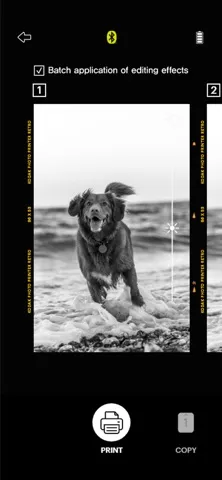
どんなアプリ?
[How to Use] 1. Make sure you recharge the printer before you use it. 2. Make sure the Adapter is connected properly. 3. Turn on the printer 4. Go to the Bluetooth setting and find the printer’s MAC address. The MAC address is placed inside the printer’s door If you purchased a Dock Printer, dock your smartphone at the pin on top of the printer or find the MAC address on the downside of the printe
App Store の説明を全文読む
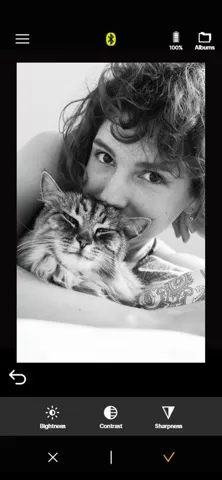
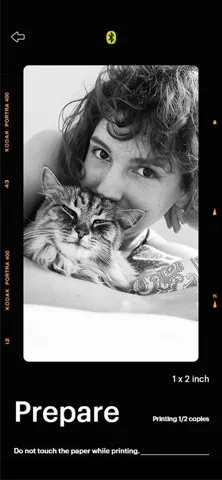
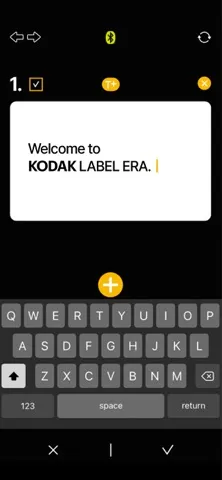
[How to Use] 1. Make sure you recharge the printer before you use it. 2. Make sure the Adapter is connected properly. 3. Turn on the printer 4. Go to the Bluetooth setting and find the printer’s MAC address. The MAC address is placed inside the printer’s door If you purchased a Dock Printer, dock your smartphone at the pin on top of the printer or find the MAC address on the downside of the printer to connect the device to Bluetooth. 5. Select an image from the Gallery or take a photo with your smartphone. 6. Once the image has been selected, edit the image with your personal preference. 7. Now press the print button located on top of the printer when editing is completed. 8. When you print for the first time, you may need to update the firmware. Please follow the instructions shown on the screen of your smartphone. 9. It will take about a minute to fully print. Please do not pull the photo until it is completely printed.

編集部 PICK UP
Nib
聞き取れるメモ帳。録音すると AI が議事録・要約・次の一手に整えてくれる。
情報
- バージョン
- 1.4.6
- 最終更新
- 2025/03/31
- リリース
- 2023/10/20
- サイズ
- 175.8 MB
- 必要環境
- iOS 12.0 以降
- 対応端末
- iPhone
- 対象年齢
- 4+
- 対応言語
- 日本語、CS、DA、NL ほか13言語
最新バージョンの更新内容
- change images