
KiCAD PCB Viewer
明杰 曾
App Store 評価: ★ 0.0
- 対応
- iOS
どんなアプリ?
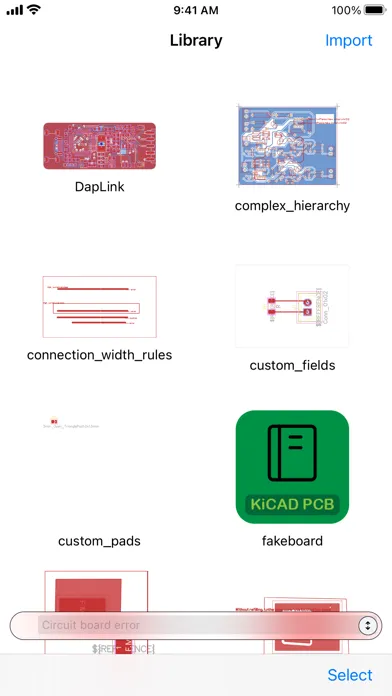
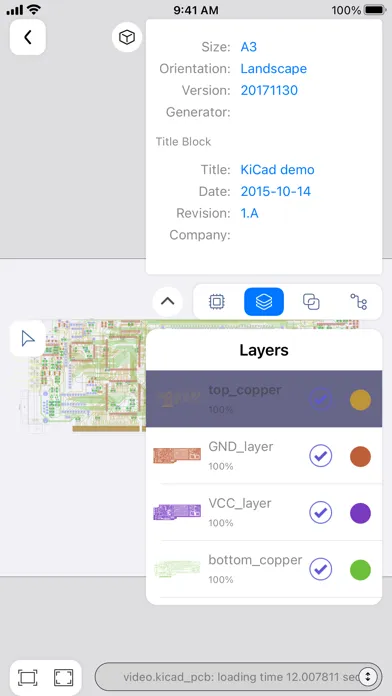
This is a lightweight APP for viewing KiCAD 3 - 9 generated pcb files in a mobile environment. No matter what questions, opinions or ideas you have, you can send an email to [email protected] .
App Store の説明を全文読む
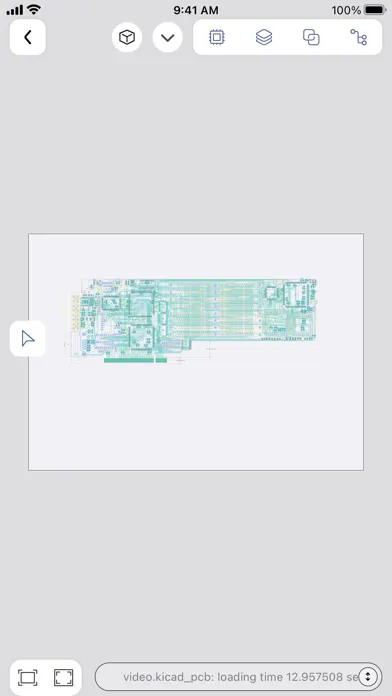
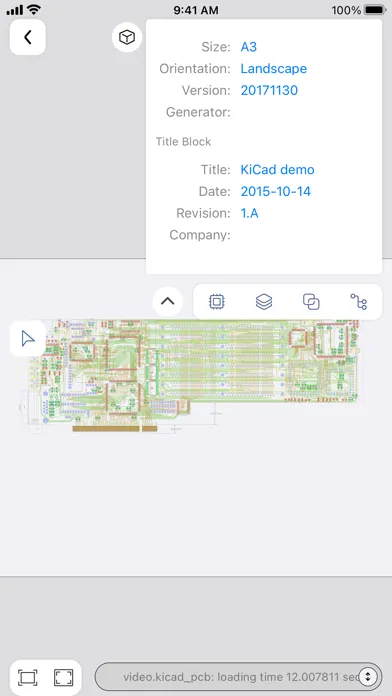
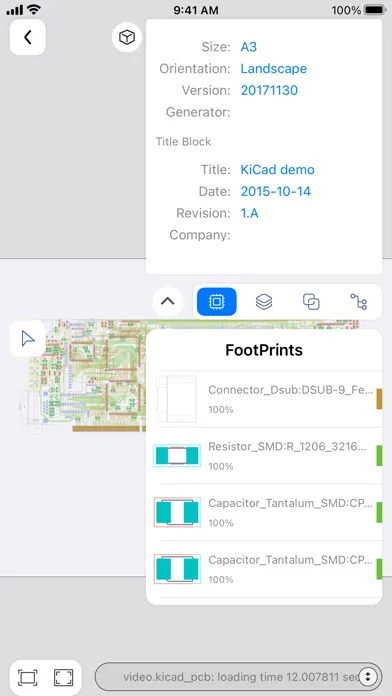
This is a lightweight APP for viewing KiCAD 3 - 10 generated pcb files in a mobile environment. No matter what questions, opinions or ideas you have, you can send an email to [email protected] . KiCAD PCB Viewer is a highly professional tool developed specifically for viewing and reviewing PCB design files generated by KiCAD. The tool integrates an advanced graphical interface that allows users to deeply browse PCB designs in a multi-layer view mode, supporting comprehensive analysis and verification of complex boards. Users can view the component layout, electrical connections, and signal paths of each layer in detail, and perform interactive design verification and troubleshooting. KiCAD PCB Viewer provides real-time zoom, pan, and rotation capabilities, enabling users to precisely locate and inspect every detail of the board. At the same time, the tool supports various display modes, including transparent view, high brightness display and inter-layer contrast, helping users to quickly identify and solve potential problems. KiCAD PCB Viewer also has a powerful Design Rule Check (DRC) feature that automatically detects and flags design violations to ensure that your board design meets industrial manufacturing standards. In addition, the tool supports annotation and marking capabilities, which facilitate team collaboration and design review. To improve the user experience, KiCAD PCB Viewer integrates cross-platform support and is able to run smoothly on Windows, macOS, and Linux systems. Its efficient file handling capability and optimized user interface make it an ideal choice for PCB design engineers in the design, verification and optimization process. You can access the Web interface of the APP directly in the browser, easily manage, upload and download the PCB design file generated by KiCAD, and achieve cross-platform convenient and efficient file operation. KiCAD PCB Viewer supports the Model Context Protocol (MCP). Through this protocol, it can provide AI models with the necessary context from PCB files to enhance circuit analysis. Engineers can connect KiCAD PCB Viewer with AI - driven functions like automated design analysis and intelligent verification. This allows them to more effectively identify potential PCB design issues and improve the overall quality of their PCB designs. KiCAD PCB Viewer provides engineers with comprehensive support to ensure high quality, reliability, and manufacturability of PCB designs, whether at the beginning of design, mid-development, or final review before production. By using KiCAD PCB Viewer, engineers can more efficiently perform design verification, optimization, and fault diagnosis, improving overall design efficiency and product quality.

編集部 PICK UP
Nib
聞き取れるメモ帳。録音すると AI が議事録・要約・次の一手に整えてくれる。
人気の推移
App Store(日本)の公式ランキングと評価数を APPBASE が毎日記録しています。
- グラフィック/デザイン・有料 最高71位 (8/3)
| 日付 | グラフィック/デザイン・有料 |
|---|---|
| 8/28 | 76位 |
| 8/27 | 77位 |
| 8/26 | 78位 |
| 8/25 | 81位 |
| 8/24 | 81位 |
| 8/23 | 80位 |
| 8/22 | 77位 |
| 8/21 | 78位 |
| 8/20 | 77位 |
| 8/19 | 76位 |
| 8/18 | 76位 |
| 8/17 | 75位 |
| 8/16 | 76位 |
| 8/15 | 76位 |
情報
- バージョン
- 1.4.1
- 最終更新
- 2026/10/19
- リリース
- 2023/06/29
- サイズ
- 11.2 MB
- 必要環境
- iOS 13.0 以降
- 対応端末
- iPhone、iPad
- 対象年齢
- 4+
- 対応言語
- 日本語、英語、フランス語、ドイツ語 ほか4言語
最新バージョンの更新内容
Thank you for your feedback! New features in this release: New: Time consumption for each construction stage of 3D scenes. New: Audit and test routes for continuous panning and zooming in multi-touch control. Fixed: Decoupling the background of the drawing and placeholder layers to achieve a four-layer independent rendering architecture. Fixed: High-definition rendering of atomic mutually exclusive state machines to prevent asynchronous preview disorderly overwriting. Fixed: Independent layer-based drawing of the drawing frame and support for adaptive light and dark color modes. Fixed: Griding and fault-tolerant retry of 3D scene copper surface text outlines and contours. Fixed: Encapsulation of text to support dynamic replacement of variables and filtering of empty elements. Fixed: Thread safety of layer geometry caching and composite paths across threads. Fixed: Batch emptying of the parser to automatically release the pool to reduce peak parsing memory. Fixed: Upgrade of engineering configuration. Fixed: Defects in blurry preview and high-definition viewport aliasing and ghosting when zooming and adapting. Fixed: Fault tolerance for KiCad attribute text hiding identifiers, timestamps, and floating-point parsing. Fixed: Calculation anomaly of graphic element range caused by empty boundaries of composite paths.