- 対応
- iOS
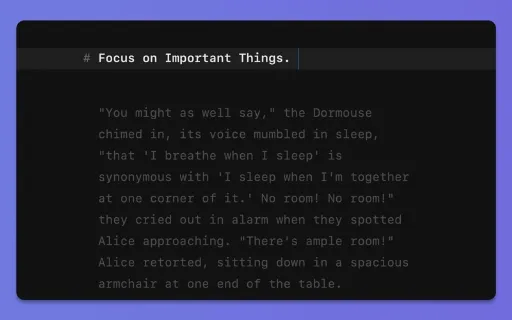
どんなアプリ?
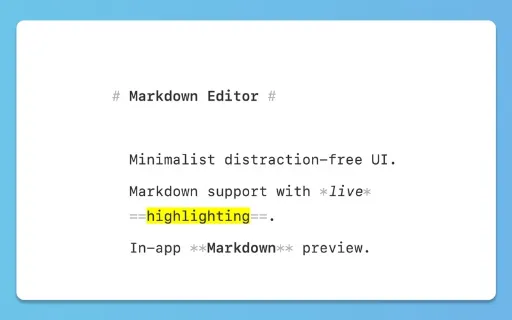
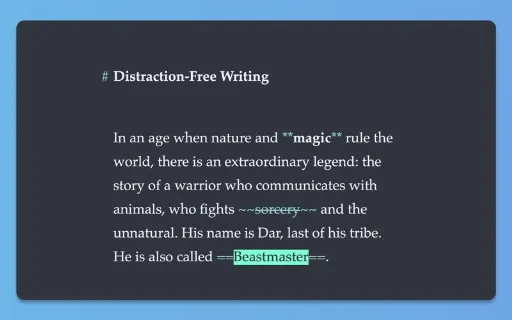
iWriter 2 is an elegant and minimalist Markdown text editor designed for distraction-free writing. # iWriter 2 is the next generation of the beloved iWriter text editor. "Simple & beautiful" App Store Review, 2019 "Terrific Writing and Notes App" App Store Review, 2015 "Great simple text editor" App Store Review, 2014
App Store の説明を全文読む
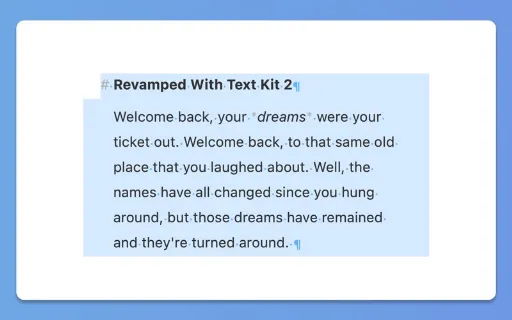
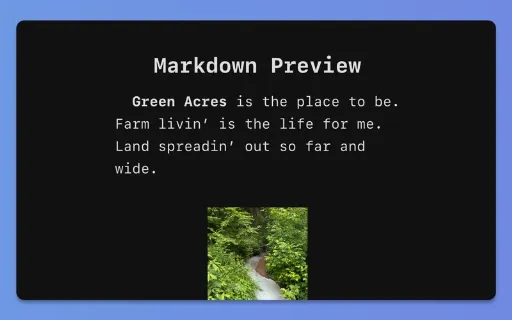
iWriter 2 is an elegant and minimalist Markdown text editor designed for distraction-free writing. # iWriter 2 is the next generation of the beloved iWriter text editor. "Simple & beautiful" App Store Review, 2019 "Terrific Writing and Notes App" App Store Review, 2015 "Great simple text editor" App Store Review, 2014 Immerse yourself in a minimalist writing environment designed to enhance focus and productivity. Say hello to structured, professional documents that effortlessly transform your ideas. ## MultiMarkdown Support iWriter 2 is a full-featured Markdown editor built for precision and flexibility. - MultiMarkdown support with live preview and syntax highlighting. - Wikilinks and Wiki-Embeds for connected notes. - Task lists and code blocks made simple. - Keyboard shortcuts for fast inline formatting. ## Built-in Document Manager A built-in document manager that lets you easily organize, browse, and manage all your files in one place — complete with powerful document search to quickly find exactly what you need. ## Rebuilt with TextKit 2 iWriter 2 has been completely rebuilt from the ground up using Apple’s modern TextKit 2 framework, delivering faster performance, smoother scrolling, and a more responsive writing experience. ## Multiple Export Options A refined, user-friendly interface designed for focus and productivity, offering intuitive formatting options and seamless export to multiple formats including HTML, PDF, EPUB, DOCX (Microsoft Word), RTF, and LaTeX. ## LaTeX and Mermaid Diagrams iWriter 2 offers LaTeX syntax highlighting, making complex math expressions easy to read and edit as you write. It also supports Mermaid diagrams, letting you create flowcharts, sequence diagrams, and more using simple text-based syntax. Both integrate seamlessly into your Markdown workflow, keeping technical writing and visual documentation in one place. --- Terms of Use: http://www.apple.com/legal/itunes/appstore/dev/stdeula Privacy Policy: https://serpensoft.com/privacy-policy/

編集部 PICK UP
Nib
聞き取れるメモ帳。録音すると AI が議事録・要約・次の一手に整えてくれる。
情報
- バージョン
- 8
- 最終更新
- 2026/08/24
- リリース
- 2026/04/14
- サイズ
- 5.9 MB
- 必要環境
- iOS 15.6 以降
- 対応端末
- Mac
- 対象年齢
- 4+
- 販売元
- Sergey Zorin
- 対応言語
- 日本語、英語、フランス語、ドイツ語 ほか7言語
最新バージョンの更新内容
- New feature: path autocomplete. The app will display a popup window with file suggestions when editing a wikilink `[[...]]` or a transclusion element `{{...}}`. - New shortcuts added to the Main Menu: "New Window" and "New Tab". - Table of Contents performance improvements. - Bug fixes for font selection menu. - Other bug fixes and improvements. ## Previous Releases: - Smart Insert: automatically pairs brackets, quotes, and Markdown control characters as you type. - Smart Delete: makes editing text with brackets faster and more intuitive. - Wikilinks support: [[link]] and ![[image]]. - New 'Highlight' style. This text is ==highlighted==, this text is also ::highlighted::. - New 'Page Break' element. Use 5 or more plus `+` symbols to add a page break. - New Horizontal Rule (text delimiter) styles: normal, dashed, double, and wavy. If you like iWriter, please rate it in the App Store every time the update goes live. Your ratings and great reviews help us a lot!