iBrowser- Full Screen Browser
天从 何
App Store 評価: ★ 0.0
- 対応
- iOS


どんなアプリ?
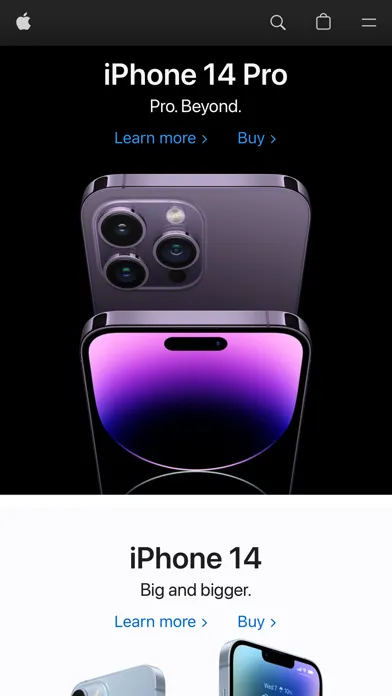
***************************************** 【1】Full screen browser, do you want 【2】Grasp in all directions, do you make it 【3】Comprehensive search is fast, do you try 【4】Compatible with iPhone and iPad, do you use it? 【5】Child lock: Only allow access to fixed pages Hurry up and try it! No ads and no pop-up windows! *****************************************
App Store の説明を全文読む
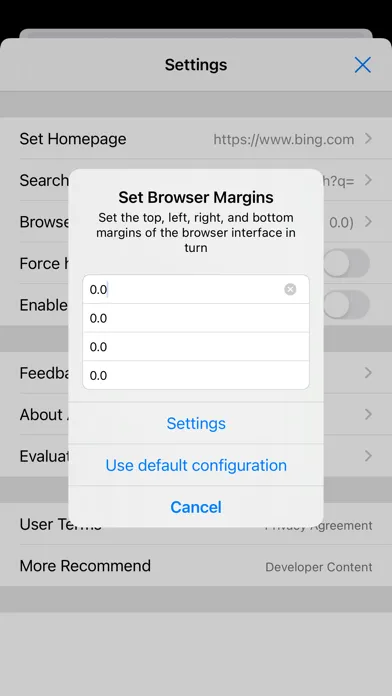
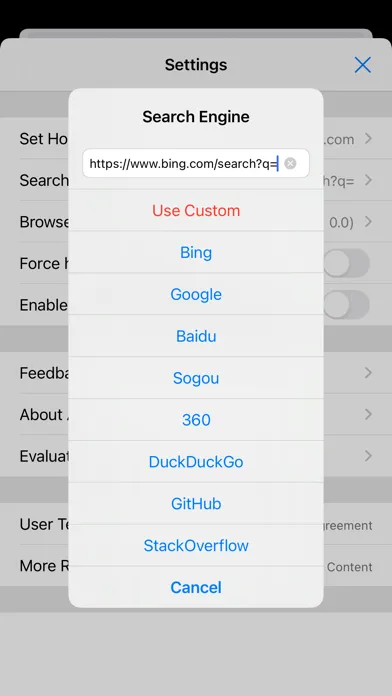
************************************** 【1】Full screen browser, do you want it 【2】Every orientation, do you get it 【3】Fast search, do you try it 【4】iPhone and iPad ready, do you use it 【5】Child Lock: only allow a fixed page Come and try it! No ads and no pop-ups! ************************************** 【How to use】 - Double-tap the search icon on the bottom bar to open Settings - Double-tap the refresh icon on the bottom bar to force refresh the current page - Child Lock: turn on Force Hide Address Bar in Settings - On iPhone, shake the device to show the address bar and toolbar 【Guide】 - The first launch shows a 5-step tour. Finish it and start browsing - Open User Guide in Settings anytime for gestures, Child Lock, and FAQs - Bottom bar from left to right: Back, Forward, Refresh, Search, Home, Full Screen - Tap Search to show or hide the address bar. Tap Full Screen to go borderless at once - Type a URL or a keyword in the address bar. Text starting with http opens as a site. Anything else uses your current search engine - When setting the homepage, tap Use Current Page to make the page you are viewing the startup page - To keep one page as fixed as possible: set the homepage, turn on Child Lock, then enable the Settings password - If the notch covers the page, adjust browser margins in Settings ************************************** Note: If the app does not meet your needs, you can request a refund from Apple within 90 days: https://reportaproblem.apple.com

編集部 PICK UP
Nib
聞き取れるメモ帳。録音すると AI が議事録・要約・次の一手に整えてくれる。
情報
- バージョン
- 10.0.0
- 最終更新
- 2026/08/30
- リリース
- 2014/12/30
- サイズ
- 1.4 MB
- 必要環境
- iOS 13.0 以降
- 対応端末
- iPhone、iPad
- 対象年齢
- 17+
- 対応言語
- 日本語、英語、韓国語、中国語 ほか2言語
対象年齢 17+ の理由
- まれ/軽度な成人向けまたはわいせつなテーマ
- まれ/軽度な性的表現またはヌード
- 無制限のWebアクセス
最新バージョンの更新内容
iBrowser v10.0.0 Major Update This release makes true full-screen browsing easier to learn, and everyday use more convenient. 1. A new getting-started tour. Five short steps cover full-screen browsing, opening Settings, force refresh, Child Lock, and shake to bring back the toolbar. 2. A complete in-app guide. Open it anytime in Settings for gestures, margins, homepage, and FAQs. Easy to learn, and easy to explain to family. 3. Set homepage in one tap. Use the page you are viewing as the startup homepage. Handy for reading and display setups. 4. Child Lock is easier to set up. Hide the address bar, set a homepage, and add a Settings password so the page is harder to change. 5. More reliable full screen. Rotation and notched devices keep the page edge to edge more consistently. 6. A cleaner experience. Viewing the agreement no longer reloads your current page. Still no ads and no pop-ups. We welcome your feedback in Settings, and a rating on the App Store. Every note helps us make iBrowser better.