心拍モニターアプリ Hear My Heart Beat
LifeWave, LLC
App Store 評価: ★ 4.8 (8件)
- 対応
- iOS
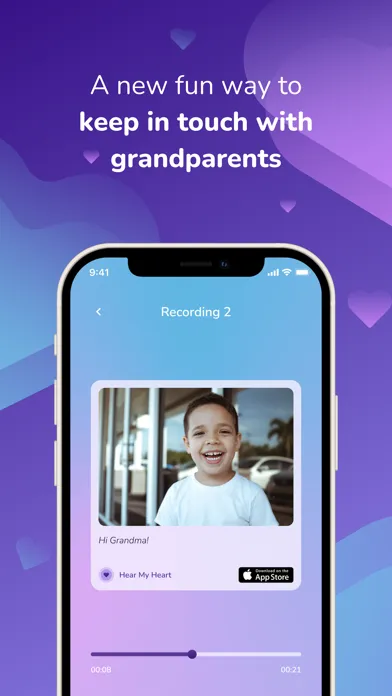
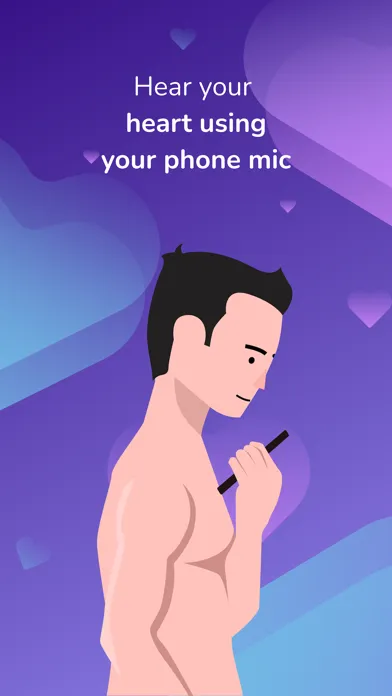
どんなアプリ?
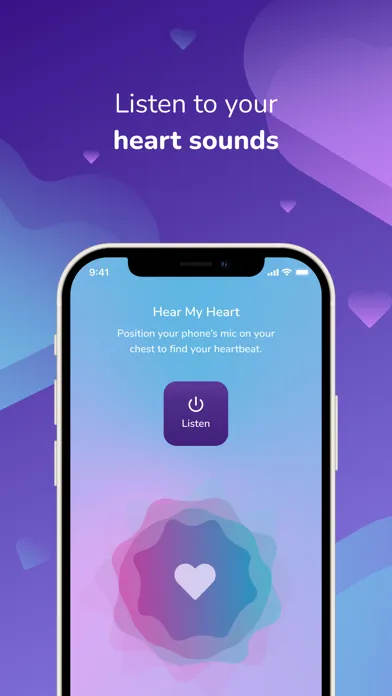
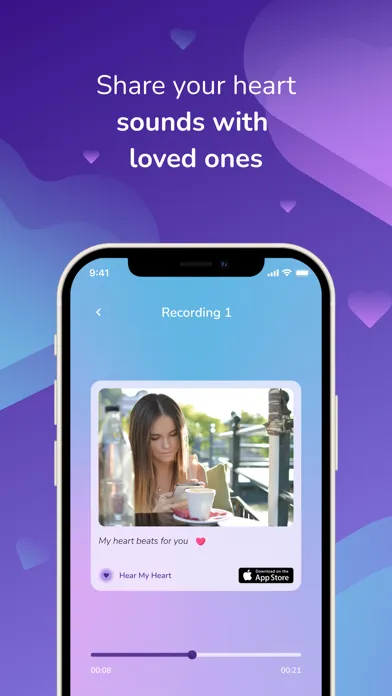
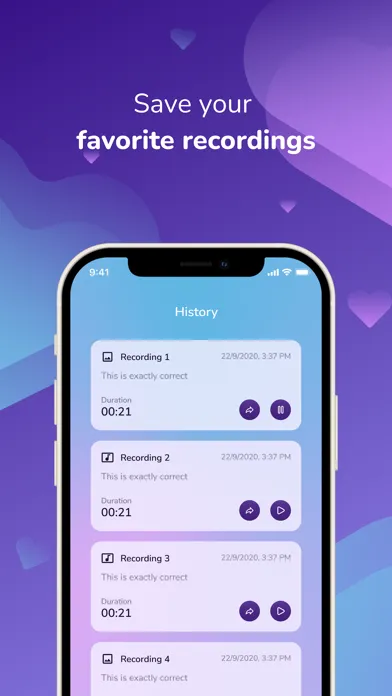
"Hear my Heart" is a new and fun way to share what your heart says. Simply place the bottom of your iPhone on the left chest/collarbone to listen, record and share your heart sounds with loved ones. You can also check your pulse using your finger and the camera.
App Store の説明を全文読む
"Hear my Heart" is a new and fun way to share what your heart says. Simply place the bottom of your iPhone on the left chest/collarbone to listen, record and share your heart sounds with loved ones. You can also check your pulse using your finger and the camera. Hear your Heart during various activities like exercise and meditation or share your kids' heart sound with loved ones like grandparents or just record your own heart sound and share it with your love - a new, special and uniquely you way of showing your affection or have fun. So many fun reasons to Hear my Heart! Important Disclaimers: Do Not Use if you have an Implanted Electronic Medical Device Disclaimer Do not use this Application if you have an implanted pacemaker, defibrillator or similar. Not a Medical Device and Not a substitute for Medical Advise Disclaimer This Application is intended for general wellness, education, and informational purposes only. It is not a medical device and is not intended to diagnose, treat, cure, monitor, or prevent any disease or medical condition. Information provided by the app should not be relied on as medical advice or as a substitute for consultation with a licensed physician or other qualified healthcare professional.If you believe you may be experiencing a medical emergency, call 911 or seek immediate medical attention. Always consult your doctor before making decisions about your health based on information from this app. Share your heart sounds in 3 Easy Steps: Step 1: Listen to your heart In a quiet place, remove any iPhone cover and place the bottom of the iPhone on the left chest or left shoulder bone. Press "Listen" and move the phone until you hear a heart sound. Step 2: Record Upon hearing the heart sound, press "Record". Step 3: Share Press the "Stop" button when done. You are now ready to save, personalize and share the recording with loved ones. Check Your Pulse in 3 Easy Steps Step 1: Place Your Finger Gently place your fingertip over the iPhone camera and flash. Make sure your finger fully covers both. Step 2: Stay Still Hold your finger steady for a few seconds while the app detects your pulse. Step 3: See Your Results Your pulse will appear on the screen. You can then save or track your reading anytime. Frequently asked questions: I can't hear my heart. What do I do? Remove any iPhone cover/shell. Make sure you are in a quiet place. Hold the phone at a “right angle” to your left chest or left shoulder bone with the mic pressed firmly against the skin and press "Listen" to listen for your heart sound. You can use AirPods for better sounds. Move the phone around the area of your left chest and adjust until you can hear the heart sound. How do I add a picture and message to my saved heart sound? After recording your heart sound, you can add a personal message and add a picture by tapping on the camera icon on the top right corner. Can I use this heart sound for diagnosing health conditions? No, this app is NOT a medical device. While you are free to share the recording with anyone you choose the heart sounds recorded with this app are not meant to diagnose health conditions or provide health advise. Is the app free? Yes. If you would like an ad free version of the app, there is a charge. Is the app AirPods-compatible? Yes! Our app works with AirPods and without AirPods over the phone speaker.

編集部 PICK UP
Nib
聞き取れるメモ帳。録音すると AI が議事録・要約・次の一手に整えてくれる。
情報
- バージョン
- 1.6.2
- 最終更新
- 2026/05/27
- リリース
- 2021/09/18
- サイズ
- 78.1 MB
- 必要環境
- iOS 14.0 以降
- 対象年齢
- 12+
- 対応言語
- 日本語、英語、フランス語、ドイツ語 ほか4言語
最新バージョンの更新内容
新しいストレススコア機能を導入し、身体のストレス回復パターンや全体的な健康状態をよりよく理解できるようになりました。 今回のアップデートでは、よりスムーズで見やすく、直感的な体験を提供するための複数のUI改善に加え、アプリの信頼性を高めるためのバグ修正とパフォーマンス改善も行いました。