- 対応
- iOS
どんなアプリ?
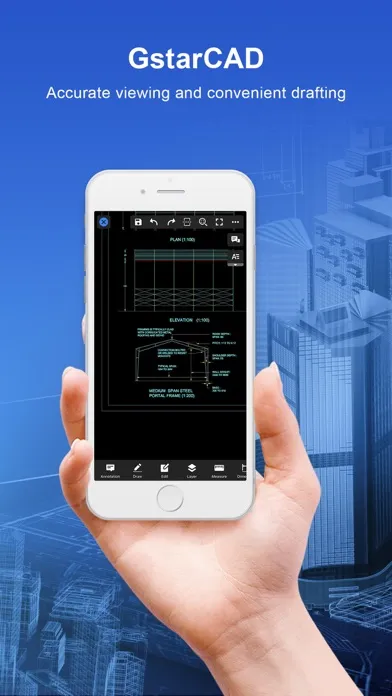
GstarCAD for Mobile is a CAD software with excellent performance, which constitutes GstarCAD 365 cloud solution in a cross-terminal way with GstarCAD View, GstarCAD for Web and GstarCAD Cloud Application. It provides multi-scenario CAD cloud applications and services, including but not limited to cloud design, cloud storage, cloud sharing, cloud annotation, cloud project, cloud cooperation, and cl
App Store の説明を全文読む
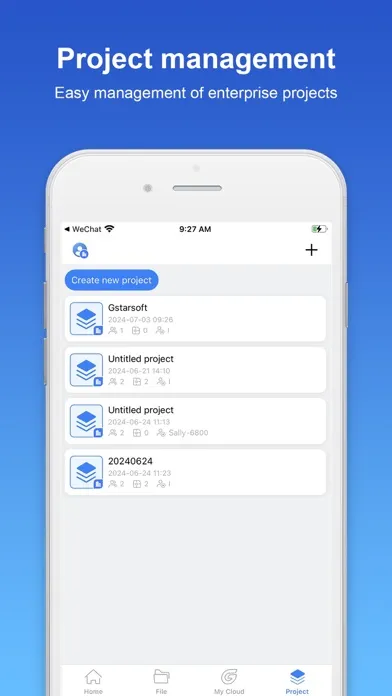
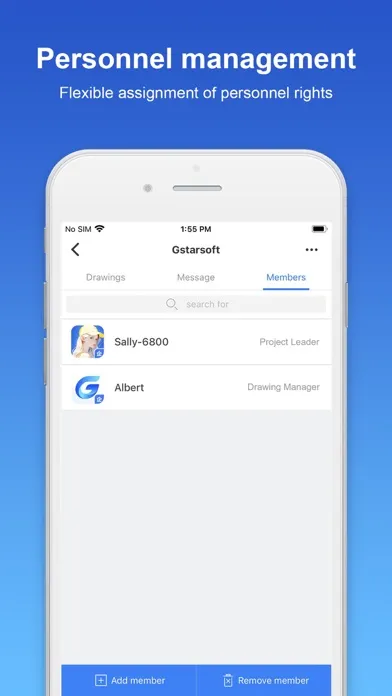
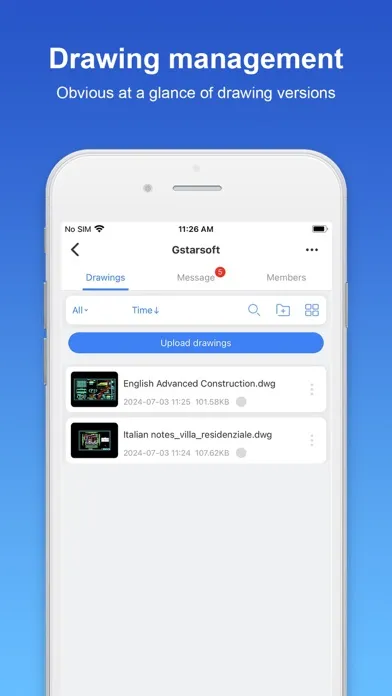
GstarCAD for Mobile is a CAD software with excellent performance, which constitutes GstarCAD 365 cloud solution in a cross-terminal way with GstarCAD View, GstarCAD for Web and GstarCAD Cloud Application. It provides multi-scenario CAD cloud applications and services, including but not limited to cloud design, cloud storage, cloud sharing, cloud annotation, cloud project, cloud cooperation, and cloud collaboration, creating an efficient collaborative office platform based on CAD drawings and models for users. 1. User system design realizes cross-platform interoperability The user system realizes cross-platform and multi-terminal account interoperability. It covers all kinds of GstarCAD professional software and GstarCAD for Mobile, GstarCAD View, GstarCAD for web and so on. Users can achieve seamless switch between terminals and log in freely with only one account. 2.Product collaboration module integration The products of each terminal have been integrated with the project collaboration module. After logging in, users can access the functions of cloud annotation, cloud storage and drawing management to efficiently collaborate on CAD projects and ensure data security and convenient management. 3. Data management during collaboration process is regarded as an enterprise asset, covering drawings, annotations, chat logs and other information. To ensure security and compliance, administrators can check and manage data according to permission rules through the management backend. 4. Cloud annotation supports project members to annotate directly on drawings, which automatically show others' annotations synchronously. This function meets the needs of instant feedback of on-site problems and accurate proofreading of drawings, effectively facilitating communication and collaboration among project team members. 5. LiveCollab allows users to organize drawing reviews at any time. The CAD viewport is synchronized during voice and graphic communication to ensure smooth communication. In addition, it supports multi-user annotations to improve the efficiency and accuracy of teamwork. 6.Shared Resource Library enables efficient sharing of fonts, frames, linetypes, print styles, profiles, fill files, templates, and material files, making it easy for team members to access standardized resources. 7. The system is fully compatible with dozens of 3D file formats such as SW, Creo, UG, RVT and SKP. Rotation, panning, zooming, exploded view, cutaway view and other functions are integrated to provide an efficient and comprehensive 3D model browsing experience.

編集部 PICK UP
Nib
聞き取れるメモ帳。録音すると AI が議事録・要約・次の一手に整えてくれる。
情報
- バージョン
- 1.5.0
- 最終更新
- 2025/07/10
- リリース
- 2024/07/10
- サイズ
- 210.7 MB
- 必要環境
- iOS 13.0 以降
- 対応端末
- iPhone、iPad
- 対象年齢
- 4+
- 対応言語
- 日本語、BN、CS、英語 ほか16言語
最新バージョンの更新内容
Bug fixes and performance improvements.