
- 対応
- iOS

どんなアプリ?
Check the release notes on our website for changelogs and important information about this app: http://www.cisco.com/c/en/us/support/conferencing/cisco-meeting-app/products-release-notes-list.html Meet over audio, video and web from your iPad and iPhone whenever ideas spark. Join the conversation in a space from wherever you are and with whomever you like.
App Store の説明を全文読む
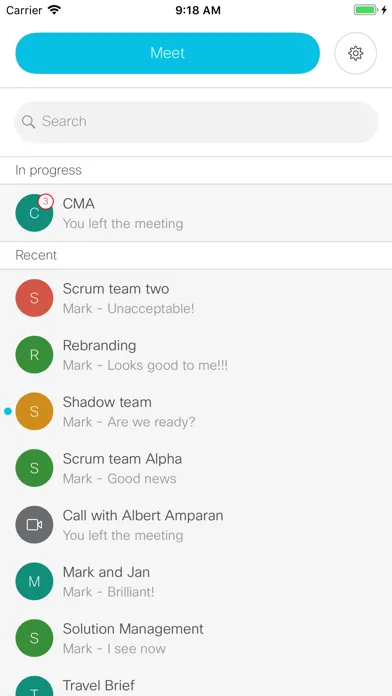
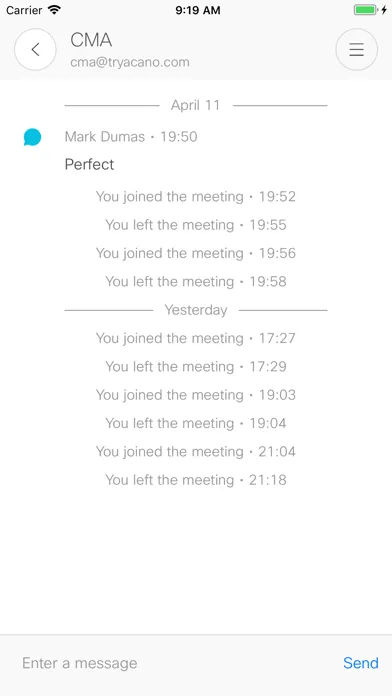
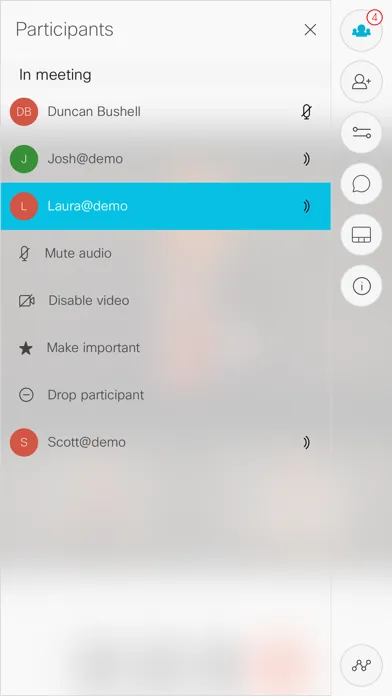
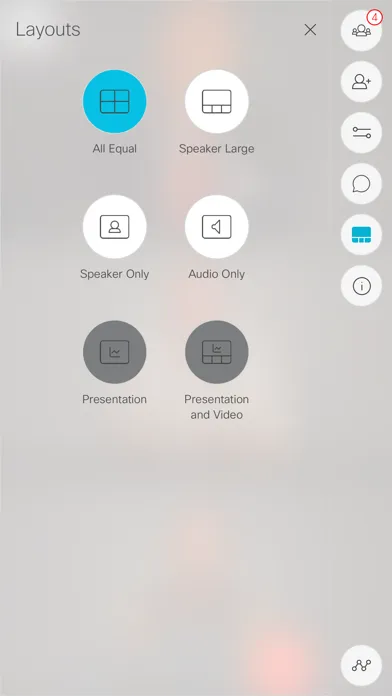
Check the release notes on our website for changelogs and important information about this app: http://www.cisco.com/c/en/us/support/conferencing/cisco-meeting-app/products-release-notes-list.html Meet over audio, video and web from your iPad and iPhone whenever ideas spark. Join the conversation in a space from wherever you are and with whomever you like. Spaces are virtual meeting rooms only radically better. Meet your project team in a space and see your notes and agenda from last time you visited. Check in anytime, the space is always available. Enter Your space If your company has Cisco Meeting Server, access your space by downloading the client and logging in. Choose the space you want to join and simply press the green button. Invite Anyone Once you have entered a space, you can invite others with a directory search. To invite someone outside of your organization, email the weblink found at space Info. The invited can securely join a video call using their browser. Features •Use the Cisco Meeting App on both the iPad and iPhone. •Join a call using video, audio or by sharing content over web •Move seamlessly between devices while on a call, or use them at the same time. For example use your phone for voice privacy and your iPad for video. •Send chat messages during a call, leave notes in the space •Calls can be ad hoc or scheduled

編集部 PICK UP
Nib
聞き取れるメモ帳。録音すると AI が議事録・要約・次の一手に整えてくれる。
情報
- バージョン
- 1.11.18
- 最終更新
- 2020/02/19
- リリース
- 2016/09/04
- サイズ
- 28.7 MB
- 必要環境
- iOS 11.0 以降
- 対応端末
- iPhone、iPad
- 対象年齢
- 4+
- 対応言語
- 日本語、英語、FI、フランス語 ほか9言語
最新バージョンの更新内容
General fixes and stability improvements. Check the release notes on our website for changelogs and important information about this app: http://www.cisco.com/c/en/us/support/conferencing/cisco-meeting-app/products-release-notes-list.html