CastPlay - Cast to TV
Aditya Sharma
App Store 評価: ★ 1.0 (2件)
- 対応
- iOS
どんなアプリ?
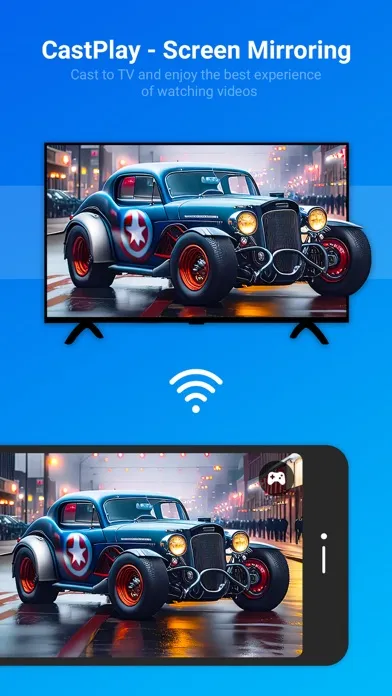
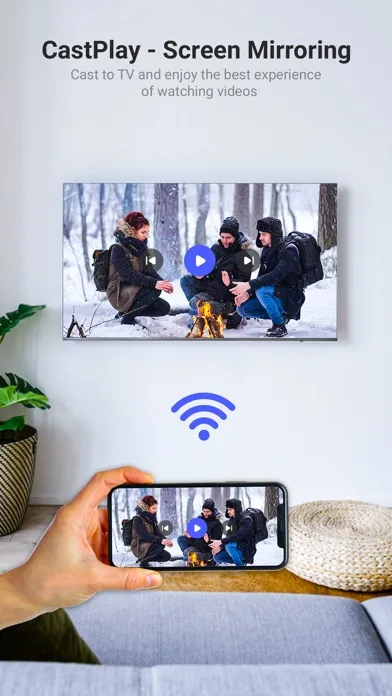
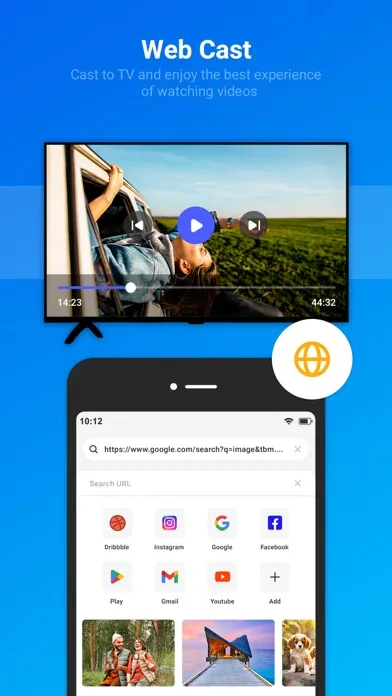
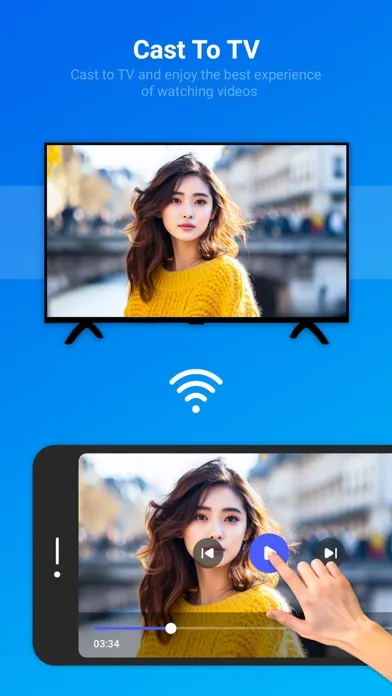
With the app "CastPlay" you can use your mobile phone to control your Smart TV over the local network. Make sure your mobile phone and Smart TV are connected to the same home network. It is better to set your router to 5G mode, and then connect your Smart TV to the wired network. If your router supports a privacy separator function, make sure it is disabled.
App Store の説明を全文読む
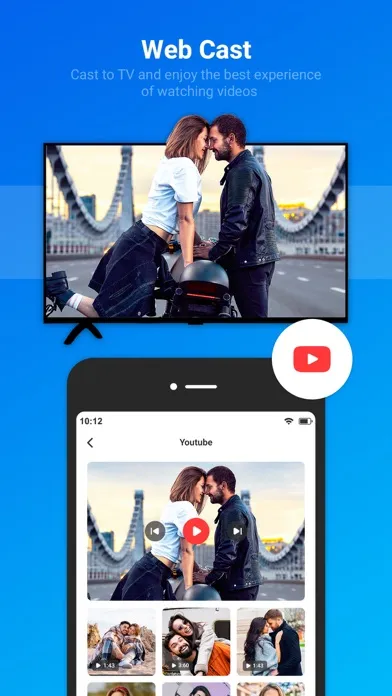
With the app "CastPlay" you can use your mobile phone to control your Smart TV over the local network. Make sure your mobile phone and Smart TV are connected to the same home network. It is better to set your router to 5G mode, and then connect your Smart TV to the wired network. If your router supports a privacy separator function, make sure it is disabled. Are you tired of crowding around small screens to share your favorite photos and videos with friends and family? Support local media files projection, screen image, Smart TV and mobile phone will be more interactive. [Main Features] 1. Share photos, videos, music to Smart TV from mobile phone. 2. Easily switch between controlled devices from mobile phone screen on the Smart TV. Gives you better sync experience. 3. Connect your phone to the TV in two simple and quick steps. 4. Screen mirroring everything amazing from your phone to your TV through the cast to TV app. 5. Control everything conveniently: volume, pause, fast forward, rewind video with no delay. 6. Cast to TV with photos, and videos on the big screen share. 7. Enjoy music, and play games on your smart TV screen mirroring. 8. Access Youtube, and IPTV easily. 9. Use Remote control for smart TV screen mirror. 10. Get to know your files fast. Cast to TV & Screen Mirroring app is an extremely smart tool that helps you control all your devices easily and quickly. You can cast to TV with local videos, pictures, and music easily. TV Cast & Screen Mirror app works great and is powerful on multiple devices like Chromecast screen mirroring, Cast TV Roku, Xbox, Fire TV, LG TV, and Samsung screen mirroring. Cast to TV provides you with a secure connection to protect your data, files, and applications. Screen Mirroring and Cast to TV are simple. You can share the funny content with family and friends. The TV cast app is waiting for you to discover it! With Cast to TV, you can stream or browse the web any video you want on your Cast Player. You can also watch any content you want like photos, videos, music, or live streaming on your TV with the control and selection by your phone through this Cast to TV & Screen Mirroring app. All your devices are supported: • Chromecast • Roku, Roku Stick, and Roku TVs • Most smart TVs: Hisense, Samsung, LG, Sony, Panasonic, TLC, Toshiba screen mirroring • Xbox, FireTV, and Fire Stick • Other DLNA receivers Get unlimited access to all premium features of CastPlay - Cast To TV Subscribe Monthly CastPlay - Cast To TV Pro at $1.99 and Yearly CastPlay - Cast To TV Pro at $9.99 to use ads free versions of the premium app which can cancel anytime. • Privacy Policy: https://sites.google.com/view/aditya-sharma-privacy • Terms of Service: https://sites.google.com/view/aditya-sharma-termsofuse Simple and Easy way to cast your phone screen to TV.

編集部 PICK UP
Nib
聞き取れるメモ帳。録音すると AI が議事録・要約・次の一手に整えてくれる。
情報
- バージョン
- 1.5
- 最終更新
- 2026/06/29
- リリース
- 2024/04/03
- サイズ
- 34.2 MB
- 必要環境
- iOS 13.0 以降
- 対応端末
- iPhone、iPad
- 対象年齢
- 4+
- 対応言語
- 日本語、AF、AR、NL ほか14言語
最新バージョンの更新内容
--> Few bug fixes. --> Make app more stable. --> Thank you for using cast to tv. please rate us on appstore.