
- 対応
- iOS
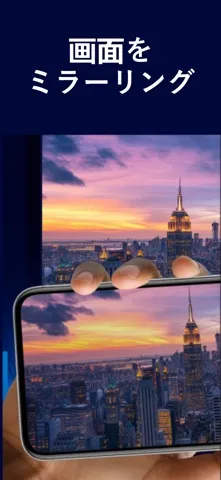
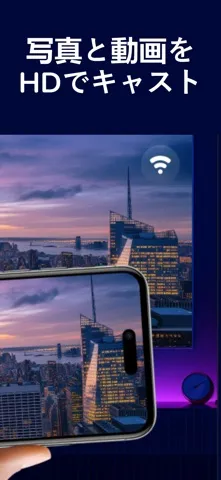
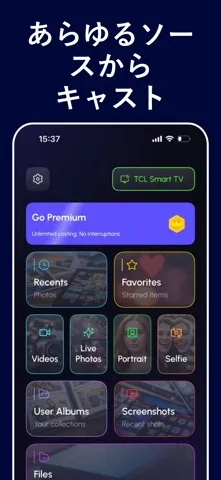
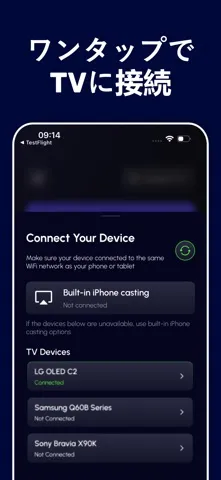
どんなアプリ?
Screen Mirroring: Fast TV Cast ▶ Key Features:
App Store の説明を全文読む
Screen Mirroring: Fast TV Cast ▶ Key Features: • Screen Mirroring made easy and fast Instantly mirror your iPhone or iPad screen to any Smart TV in Full HD, wirelessly and without delays. Perfect for watching videos, showing photos, gaming, presenting, or browsing on a big screen. • Cast Photos & Videos in HD Send videos, movies, and photo albums directly to your TV. Relive your favorite moments on a bigger display. • Works with Most Smart TVs Compatible with TVs supporting DLNA, DIAL, Chromecast, and built-in web browsers. No cables or extra hardware required. • Quick & Simple Setup Just connect your device and TV to the same Wi-Fi network, select the screen, and start mirroring. • Secure & Private Your data stays on your device — nothing is stored or shared. ▶ How to Use 1. Connect your iPhone/iPad and TV to the same Wi-Fi network. 2. Open the app and choose your TV or casting device. 3. Select the feature you need: Screen Mirroring, Cast Video, or Cast Photo. 4. Follow the on-screen steps and start streaming. ▶ Why You’ll Love It • Real-time mirroring with minimal delay • Watch movies, show slides, or play games on a big screen • Cast directly from your Photos or web links • No cables, no additional setup — fast and effortless ▶ Unlimited Access for all premium features • Subscribe for unlimited access to all app features • Payment is charged to your Apple ID at confirmation • Subscription renews automatically unless canceled at least 24 hours before the end of the current period • Manage or cancel your subscription anytime in your Apple ID settings • Any unused portion of a free trial is forfeited after purchasing a subscription Privacy Policy: https://www.belkalabs.com/privacy Terms of Use: https://www.belkalabs.com/terms

編集部 PICK UP
Nib
聞き取れるメモ帳。録音すると AI が議事録・要約・次の一手に整えてくれる。
情報
- バージョン
- 1.0
- 最終更新
- 2026/04/06
- リリース
- 2026/04/06
- サイズ
- 92.8 MB
- 必要環境
- iOS 17.6 以降
- 対応端末
- iPhone、iPad
- 対象年齢
- 4+
- 対応言語
- 英語