ホーム画面 コラージュ フォトウィジェット
Uladzislau Yanushka
App Store 評価: ★ 0.0
- 対応
- iOS
どんなアプリ?
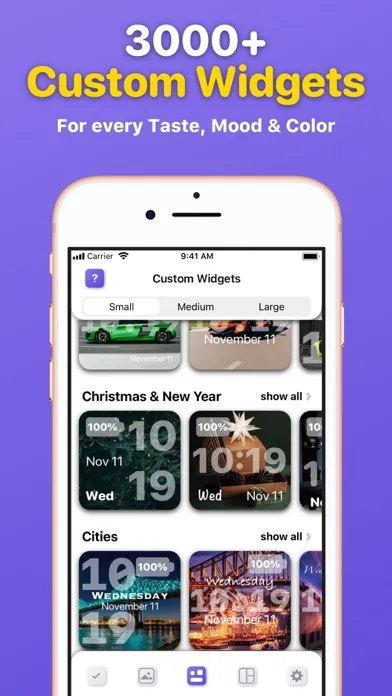
Make your Home Screen look fabulous using a Widgetizer! Discover a unique custom widgets gallery for every taste, color and mood, grouped in 30 different categories and more.
App Store の説明を全文読む
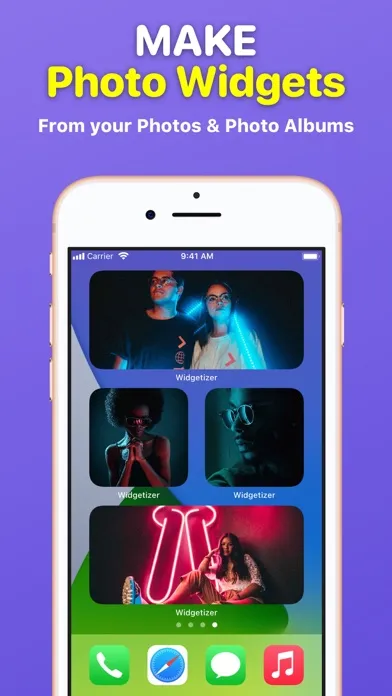
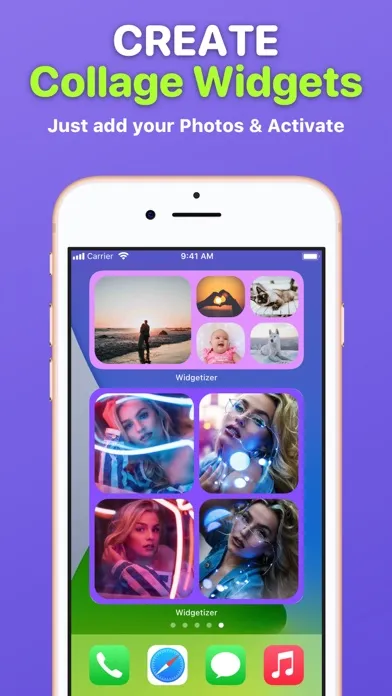
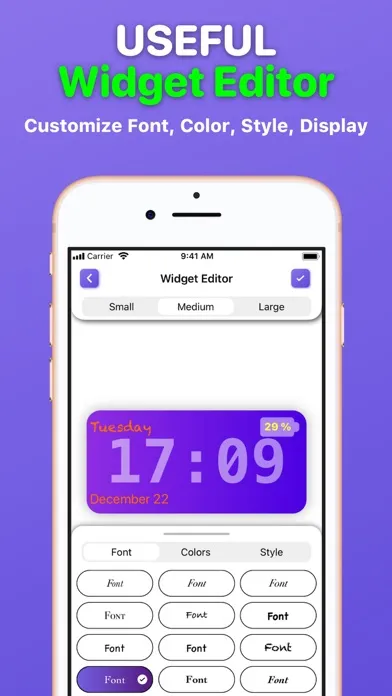
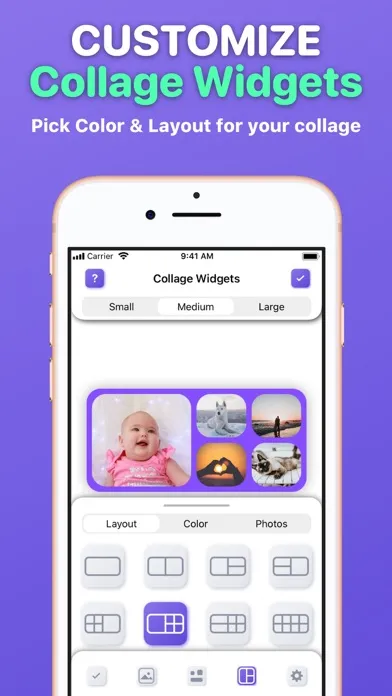
Make your Home Screen look fabulous using a Widgetizer! Discover a unique custom widgets gallery for every taste, color and mood, grouped in 30 different categories and more. Main Widgetizer App Features: ■ Custom Widgets Gallery – choose, edit and activate custom widgets you like from the biggest, colorful collection to add them to your Home Screen. ■ Widget Preview – see how the selected widget will look before activating and adding it to your Home Screen; ■ Widget Editor – edit custom widgets as you like. Customize Font, Color, Style, Display (Date, Time, Day, Battery). ■ Collage Widgets – create beautiful collage widgets from your Photos. Pick Color and Layout that suit your collage and widget size. Activate to add to your Home Screen; ■ Active Widgets – here are all your activated custom and collage widgets that you can add to your Home Screen; ■ Photo Widgets – make your own Photo and Photo Album widgets; Widgetizer App Also Includes Content: – 30 categories of custom widgets, such as: Animals, Landscapes, etc. – 3000+ custom widgets with daily updates; – 3 custom widgets in each category for free (90 custom widgets in each widget sizes for free in total); – No ads! How to add widgets to your Home Screen? 1. From the Home Screen, touch and hold a widget or an empty area until the apps jiggle. 2. Tap the “Add” button (+) in the upper-left corner. 3. Search for ”Widgetizer” or scroll down until you find the app. 4. Select a widget type, choose from three widget sizes, then tap ”Add Widget”. 5. Tap ”Done” and enjoy the widget! How to edit widgets? 1. Touch and hold a widget to open the quick actions menu. 2. Tap ”Edit Widget”. 3. Make your changes, then tap outside of the widget to exit. Unclear? Do not worry! You can find a more detailed guide with pictures inside the app by clicking on the (?) button. Note: Free version of the app is limited to: – 90 custom widgets in each widget sizes; – 1 active custom and collage widget in each widget sizes; – 3 collage widget layouts in each widget sizes. To use the app without limits, an auto-renewable subscription ”Widgetizer Pro” is available. Auto-renewable Subscription ”Widgetizer Pro” Includes: – Unlock all widgets; – Get daily new widgets; – Unlimited active widgets; – Unlock widget editor; – All collage widget layouts. Auto-renewable Subscription ”Widgetizer Pro” Info: By subscribing you get premium (full, unlimited) access to all the features and content offered by ”Widgetizer” app. The app contains the following auto-renewable subscription called ”Widgetizer Pro”: – Weekly (0,99 US$) with a 3-days for free period * Subscription price may vary depending on your location. * Payment will be charged to iTunes Account at confirmation of purchase; * Subscription automatically renews unless auto-renew is turned off at least 24-hours before the end of the current period; * Account will be charged for renewal within 24-hours prior to the end of the current period, and identify the cost of the renewal; * Subscriptions may be managed by the user and auto-renewal may be turned off by going to the user's Account; * Any unused portion of a free trial period, if offered, will be forfeited when the user purchases a subscription to that publication, where applicable. Privacy Policy: https://widgetizer-privacy.nethouse.ru Terms of Use: https://widgetizer-terms.nethouse.ru

編集部 PICK UP
Nib
聞き取れるメモ帳。録音すると AI が議事録・要約・次の一手に整えてくれる。
情報
- バージョン
- 1.1
- 最終更新
- 2021/04/04
- リリース
- 2020/12/26
- サイズ
- 38.1 MB
- 必要環境
- iOS 14.0 以降
- 対応端末
- iPhone
- 対象年齢
- 4+
- 対応言語
- 英語
最新バージョンの更新内容
We care about your Privacy, so we are happy to present you a new version of the app without any 3rd-party Analytics, Tracking and Data Collection. Update the app and enjoy private and safe app usage. Also: - Small Improvements; - Bug Fixes.