- 対応
- iOS


どんなアプリ?
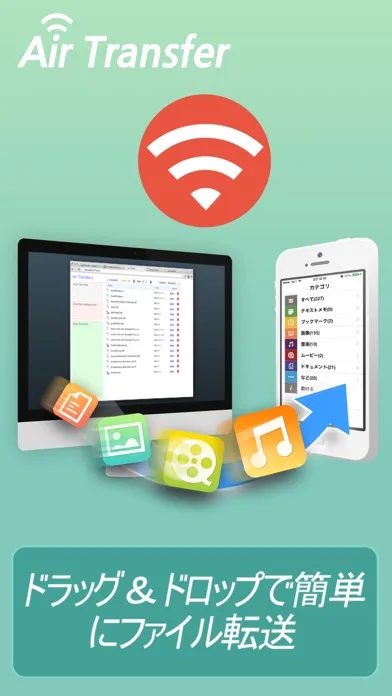
* The easiest way to transfer files to PC and backup data from iPhone to PC. * Wirelessly Transfer Media from iPhone to Computer without using iTunes. * Just Drag & Drop your contents and Play: Text, Bookmark, Image and Photo, Music, Movie, Documents and more through wireless connection !
App Store の説明を全文読む
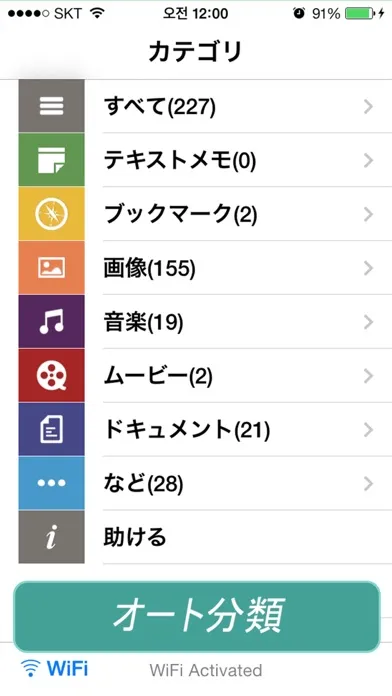
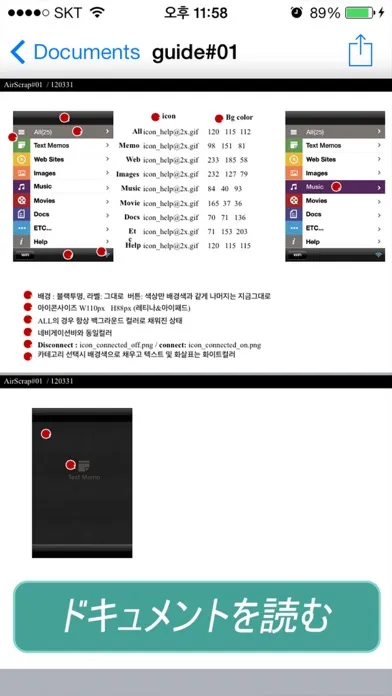
* The easiest way to transfer files to PC and backup data from iPhone to PC. * Wirelessly Transfer Media from iPhone to Computer without using iTunes. * Just Drag & Drop your contents and Play: Text, Bookmark, Image and Photo, Music, Movie, Documents and more through wireless connection ! Air Transfer moves what you're seeing or playing on Mac/PC to your iPhone/iPad with just single drag&drop! It moves whatever you want; text memo, website address, photo, music, movie, document and so on. The transferred items are auto-classified into 7-categories according to their type. You can also see or play the items in Air Transfer right away! Air Transfer works even in background mode, you can switch to other apps without stopping current transfer. * Reviews "Witness This App Pull Off Its Automatic Magic Tricks" - AppAdvice.com * Supports both iPhone and iPad. * Built-in Music Player 1) Manage playlist. 2) Playback in background mode. 3) Remote control from control center. 4) Supports MP3, WAV, CAF and other music file formats. * Classification Categories 1) Text Memo, 2) Website, 3) Images, 4) Music, 5) Movies, 6) Documents, 7) Etc... * Show photos and share them directly to SNS. 1) JPEG, PNG, GIF, ... 2) Camera Roll, eMail, SMS, Instagram, Facebook, Twitter. * Play videos directly Air Transfer supports QuickTime Movie(.MOV, .MP4) formats. * Built-in Document Reader(viewer). 4) PDF Docs(.pdf), Text(.txt), RTF(.rtf), MS Word(.doc, .docx), MS Excel (.xls, .xlsx), MS PowerPoint(.ppt, .pptx), Pages(.pages), Numbers(.numbers), Keynote(.keynote), HTML(.html, .htm) and more. * Supported Web Browsers. 1) Safari 2) FireFox 3) Chrome 4) Internet Explorer (File upload is limited in IE). * How to use 1) Make sure that the Desktop and iDevice are connected to the same local area network or the same WiFi network when using Air Transfer. Otherwise, Air Transfer cannot connect to the Desktop. 2) Click WiFi button and input the Device URL in Web Browser on your Desktop. 3) Drop contents on drop areas on the left side in Web Browser. * Air Transfer is also an excellent choice to backup your photos or videos stored Camera Roll. 1) First import photos and videos from Camera Roll to Air Transfer. 2) Backup those imported files to your Desktop PC via Web Browser. * Contact If you have any questions or suggestions, please let us know ! email: [email protected]

編集部 PICK UP
Nib
聞き取れるメモ帳。録音すると AI が議事録・要約・次の一手に整えてくれる。
情報
- バージョン
- 1.4.5
- 最終更新
- 2017/07/05
- リリース
- 2012/05/10
- サイズ
- 18.6 MB
- 必要環境
- iOS 8.0 以降
- 対応端末
- iPhone、iPad
- 対象年齢
- 17+
- 対応言語
- 日本語、DA、英語、フランス語 ほか8言語
対象年齢 17+ の理由
- 無制限のWebアクセス
最新バージョンの更新内容
Apple のアップデートにより、この App の機能が向上します。 新しく追加される機能はありません。 *ユーザーのフィードバックに基づいて修正されたマイナーバグ。